Mar 6, 2026
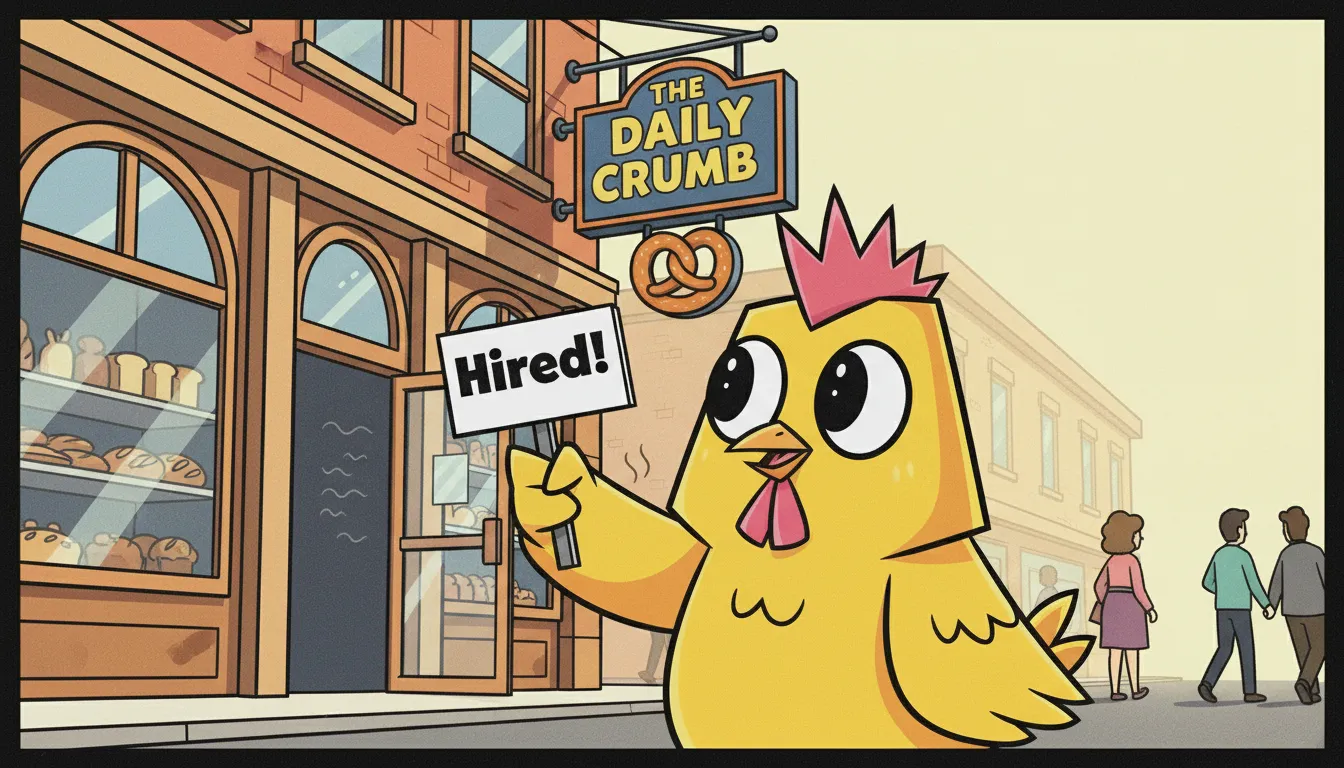
Brand mascots used to require a brief, an agency, a mood board, three rounds of revisions, and a budget most teams don't have. Not anymore. AI tools, specifically ones built for character consistency, have changed the game entirely. This guide walks you through exactly how to create a brand mascot using AI, keep it consistent across every piece of content, and deploy it across social media, presentations, and campaigns without touching design software.
Why Brand Mascots Work (and Why Most Teams Skip Them)
A brand mascot is one of the highest-leverage content assets you can create. Research consistently shows that characters drive higher recall, more emotional connection, and stronger engagement than faceless brand content.
Think about it: Duolingo's owl, Mailchimp's Freddie, the Michelin Man. These aren't just logos — they're personalities that carry the brand in any context.
The problem has always been cost and consistency. Getting a designer to create a custom character is expensive. Getting them to redraw that character in 50 different poses for 50 different posts? Completely impractical. So most brand teams skip it entirely.
AI changes that calculation completely.
Step 1. Define Your Mascot Before You Generate Anything
The biggest mistake people make with AI-generated characters is jumping straight to generation without a clear brief. You end up with something that looks different every time, which defeats the entire purpose of a mascot.
Before you open any tool, define these four things:
Name: Give your mascot a name. Naming forces you to commit to a personality.
Physical description: Be specific. Not "friendly looking" but "round-headed, oversized glasses, always wearing a blue hoodie, carries a coffee cup."
Personality signal: What one emotion or trait should this character always communicate? Curiosity? Confidence? Warmth?
Context: Where will this mascot live, social posts, slide decks, email headers? Your answer shapes what poses and scenes you'll need.
The more specific your brief, the more consistent your results.
Step 2. Generate Your Mascot in Lifetoon
Lifetoon is built specifically for character consistency, meaning once you define a character, it stays the same across every scene you create. This is the core problem most AI image tools don't solve.
Here's how to set it up:
Start a new story in Lifetoon and go to the character setup screen
Paste your character brief - name, physical description, personality signal
Generate a base character and review it. Tweak the description until you're happy with the look
Lock the character - your character is now saved and will appear consistently across every panel you create
Generate your first scene - try a simple one first: your mascot at a desk, or holding something relevant to your brand
At this point you have a mascot. What you do next is where it gets interesting.
Step 3. Build a Content System Around Your Mascot
A mascot only has value if it shows up consistently. Here's a simple system to make that happen:
Create a scene library. Generate 10–15 base scenes with your mascot in different contexts working, celebrating, thinking, explaining, reacting with surprise. These become your reusable content building blocks.
Tie scenes to content types. Mascot explaining = educational posts. Mascot celebrating = wins and announcements. Mascot confused = myth-busting or FAQ content. Map your content pillars to mascot moods.
Build carousels around your mascot. Carousels are the highest-engagement format on LinkedIn and Instagram. A 5-panel carousel where your mascot walks through a concept outperforms a text-only carousel every time.
Use your mascot as a CTA character. Instead of a generic "learn more" button, have your mascot point at it, hold a sign, or react to the offer. Click-through rates go up.
Once your mascot content system is live, Korena can take the manual work out of distribution and audience targeting — proactively monitoring market signals and delivering campaign-ready assets so your mascot stays visible and relevant.
Why This Also Helps Your SEO
Here's something most marketers don't think about: brand mascots help SEO too.
When your mascot appears consistently across your website, social media, and blog content, it creates a recognisable visual signature people associate with your brand name. Over time, searches for your mascot or "that brand with the [character]" start pointing back to you.
More practically: mascot-driven content gets shared more. Shared content earns backlinks. Backlinks improve domain authority. Domain authority improves search rankings.
It also helps with image search if your mascot is visually distinctive and appears across many indexed pages, it becomes part of your brand's search presence in a way that stock photos never could.
Ready to Build Your Brand Mascot?
You don't need a designer, an agency brief, or a big budget. You need a clear character description and the right tool.
Lifetoon lets you define your mascot once and deploy it across unlimited scenes, formats, and stories — with full character consistency baked in. Free to start, and your first mascot takes about 10 minutes.